Choose your repair. Prices include parts and fitting.
Battery
£90
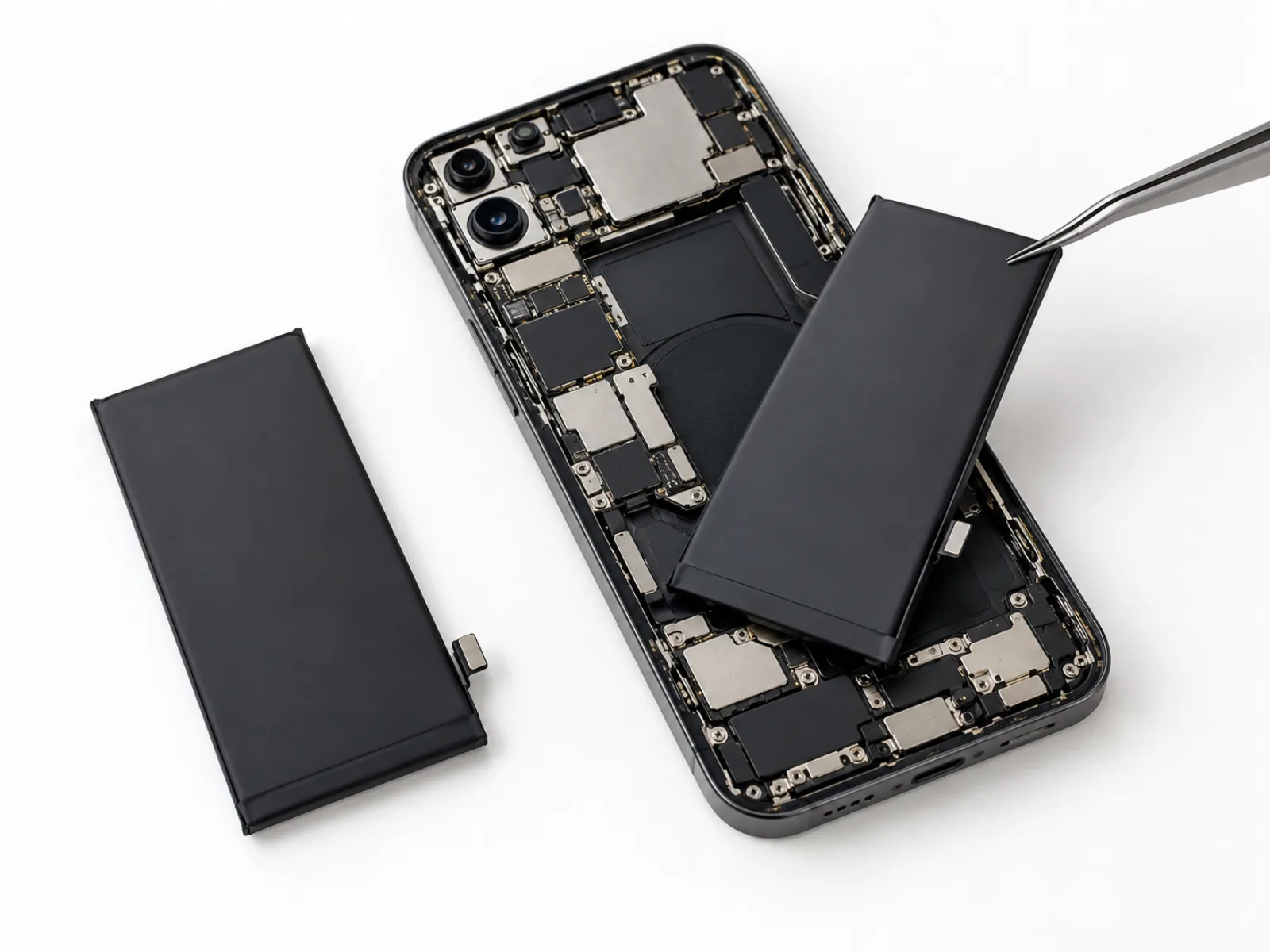
Get your battery replaced the same day by expert technicians at Mega Mobiles & Laptops. Enjoy affordable pricing, high-performance batteries, and a full warranty for reliable long-term use.
Please book online or via WhatsApp before visiting, so we can confirm your required part is in stock and ready for your repair.
Charging port
£90
Get your faulty charging port replaced the same day by skilled technicians at Mega Mobiles & Laptops. Affordable pricing, high-quality parts, and a full warranty ensure smooth, reliable charging again.
Please book online or via WhatsApp before visiting, so we can confirm your required part is in stock and ready for your repair.
Screen replacement
£180
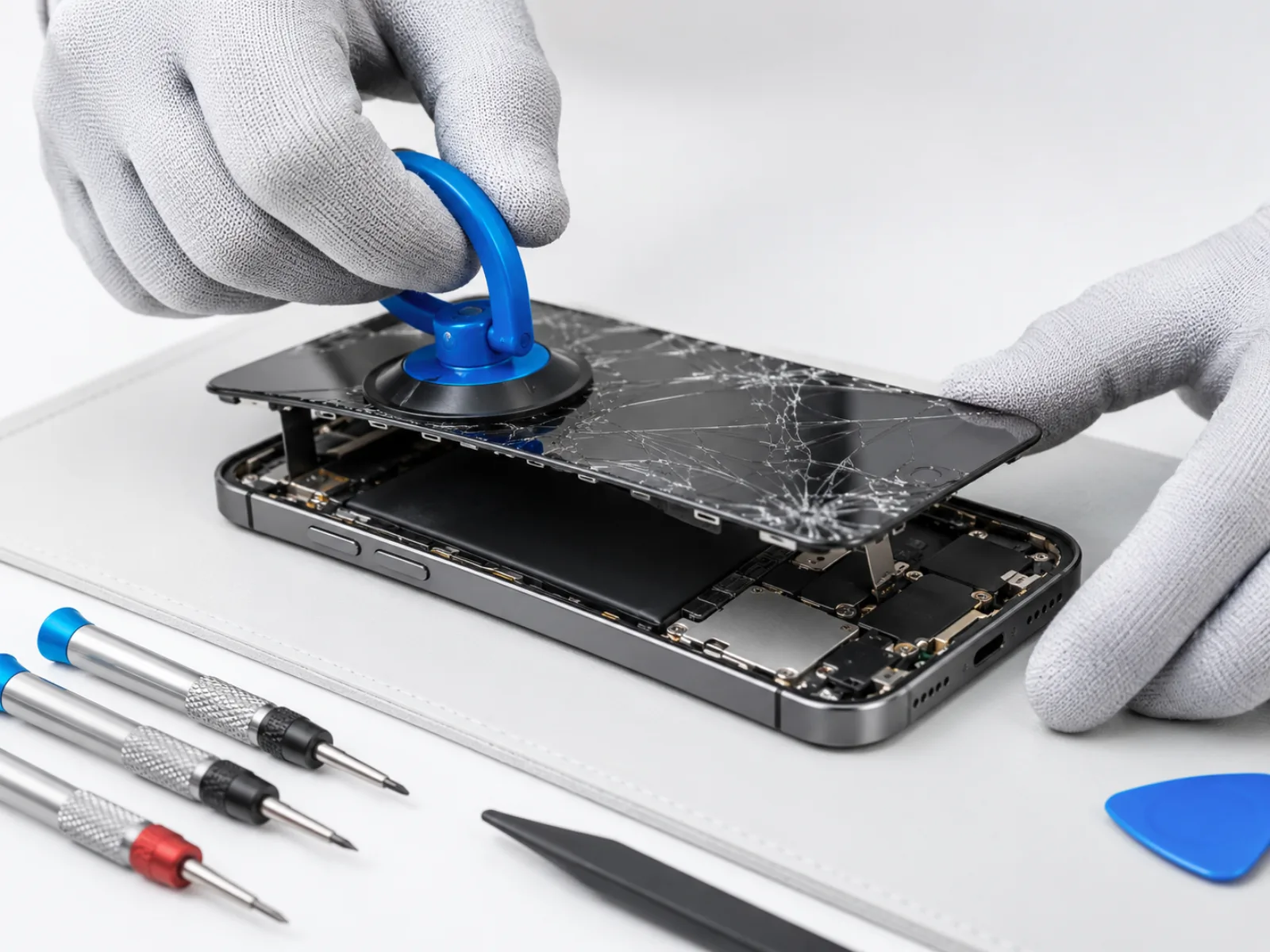
Get your cracked screen replaced the same day by skilled technicians at Mega Mobiles & Laptops. Enjoy affordable pricing, premium quality parts, and a full warranty for lasting peace of mind.
Please book online or via WhatsApp before visiting, so we can confirm your required part is in stock and ready for your repair.
Other repairs
Price on request
We fix all types of repairs. Please call or message us for a quote. Our skilled technicians repair front cameras the same day using premium parts, ensuring clear photo quality and a full warranty for peace of mind.
Fixed while you waitMost repairs take under an hour at our Leagrave Road shop.
Your data stays yoursNo resets, no browsing. Your photos stay on your phone.
Quality partsWe only fit high-quality parts, tested before you leave.
4.9 stars on GoogleFrom 920 reviews by people in and around Luton.
iPad Pro 2 A1701 repair in Luton
iPad Pro 2 A1701 repair in Luton starts from £90 at Mega Mobiles, and most jobs are done while you wait at our shop on Leagrave Road. This guide lists every iPad Pro 2 A1701 repair we do, with prices, repair times and what to expect when you bring it in.
We have been repairing tablets in Luton for 27 years. You can walk in any day between 9am and 8pm, book a time online so we have the part ready, or use our collection service in Luton and postal repairs from further away. We are rated 4.9 stars from 920 Google reviews.
iPad Pro 2 A1701 repair prices
Prices include the part and fitting. Most repairs take up to 60 minutes and come with a 3-month warranty.
Repair
Time
Price
Battery
Up to 60 minutes
£90
Charging port
Up to 60 minutes
£90
Screen replacement
Up to 60 minutes
£180
Other repairs
Up to 60 minutes
Ask for a price
Battery
Batteries are consumable. When an iPad Pro 2 A1701 runs flat by the afternoon, turns off with charge left or gets hot when charging, a new battery usually fixes it. Swelling is a safety issue, so bring the tablet in as soon as you notice the case lifting.
The tablet is opened, the worn battery is disconnected and lifted out without bending it, and the new one is fitted and tested for charging and stable power under load.
A new battery lasts longest when it is kept between roughly 20 and 80 per cent most of the time and away from heat. If the device gets very warm while charging, take the case off.
The iPad Pro 2 A1701 battery costs £90, takes up to 60 minutes, and comes with a 3-month warranty on the part and our work.
Charging port
If your iPad Pro 2 A1701 only charges when the cable is held in place, says "accessory not supported", or won't charge at all, the charging port is the likely cause. Liquid damage and a lot of plugging in and out wear the contacts over time.
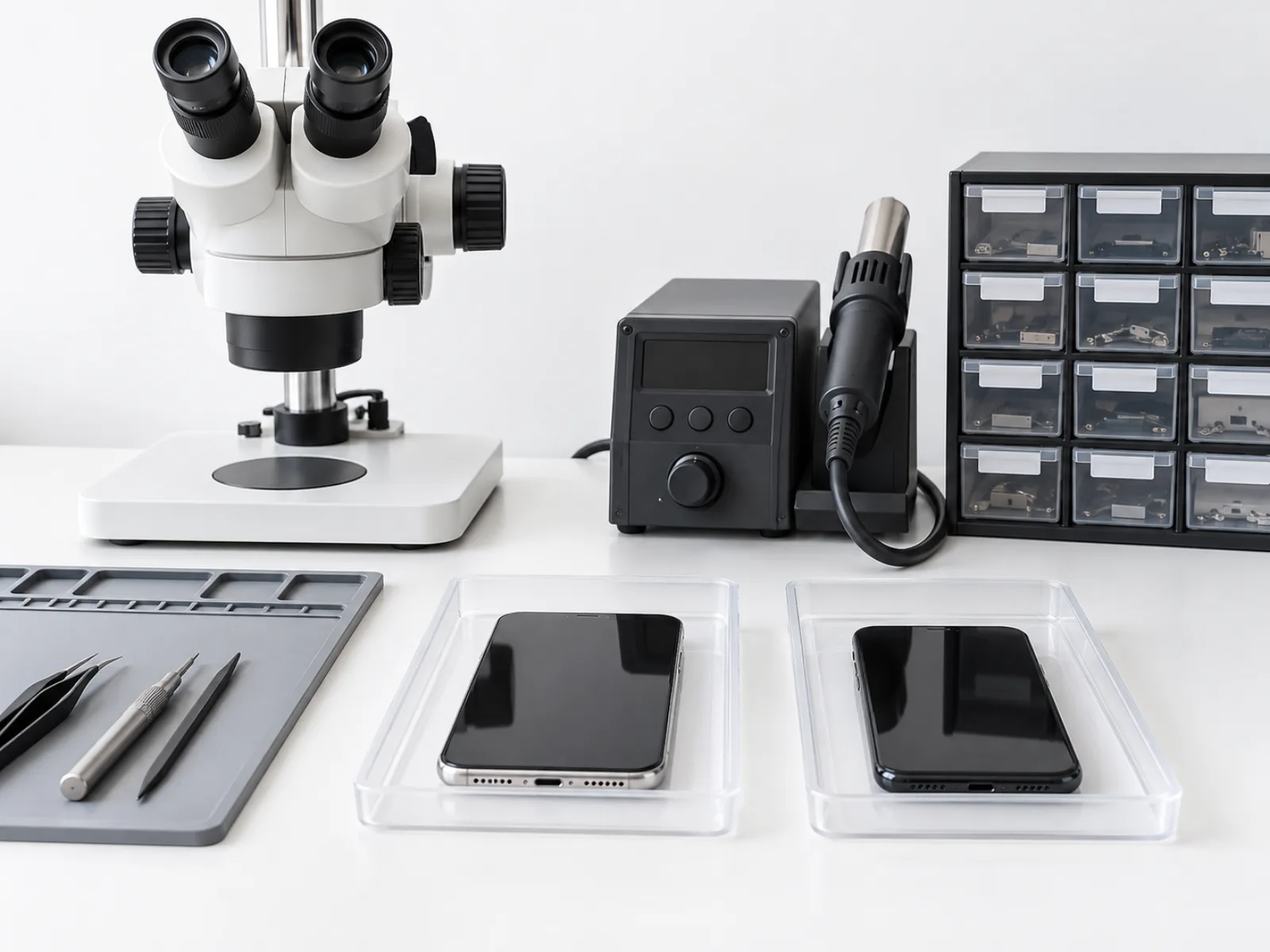
We inspect the port under magnification and clean it. If it is worn or corroded, we replace the charging port or the charging flex it sits on, then test charging, fast charging and data before you leave. On many models this also restores the bottom microphone, which shares the same part.
Pocket fluff is the most common reason a port stops working. If charging becomes fussy again, switch the device off and gently clear the port with a wooden toothpick, never metal, or ask us to clean it.
The iPad Pro 2 A1701 charging port costs £90, takes up to 60 minutes, and comes with a 3-month warranty on the part and our work.
Screen replacement
A cracked iPad Pro 2 A1701 screen is more than a cosmetic problem. Glass splinters spread from the impact point, dead patches or green lines appear, touch stops responding in one corner, or the display goes black while the tablet still rings. Any of these usually means the display assembly needs replacing rather than a screen protector.
We remove the damaged display, check the connectors and frame for bends, fit the new screen, refit any sensors and seals that carry across, and test touch, brightness, True Tone or auto-brightness where the tablet has it, and the front camera and earpiece around the display before you take it back.
After a screen repair, give the adhesive a few hours before getting the device wet, and avoid leaving it on a hot car dashboard. A screen protector fitted on the day keeps the new glass looking new.
The iPad Pro 2 A1701 screen replacement costs £180, takes up to 60 minutes, and comes with a 3-month warranty on the part and our work.
Other repairs
If your iPad Pro 2 A1701 has a fault that isn't listed here, such as liquid damage, no power or a problem after a drop, we can still help.
We look at the tablet, tell you what is wrong and what it will cost before we start. For a quick idea of the price, send us a photo and a short description on WhatsApp.
Whatever the fault, switch the device off if it has been wet and don't try to charge it until we have checked it. That gives liquid-damaged boards the best chance.
The price depends on the fault, so we quote it after a quick check. Most of these repairs take up to 60 minutes, and come with a 3-month warranty on the part and our work.
Common problems we fix on the iPad Pro 2 A1701
Tablets are dropped from sofas, beds and car seats, so cracked glass and broken touch screens top the list. After a few years the battery wears and the iPad Pro 2 A1701 dies quickly or only works plugged in. Charging ports also wear, especially when the tablet is used while charging. We check all three whenever a tablet comes in.
Before you bring your iPad Pro 2 A1701 in
Back up the iPad Pro 2 A1701 if it still works.
Bring the passcode so we can test touch, cameras and charging with you.
Remove any keyboard case or cover.
Bring your charger if charging is part of the problem.
Which model is your tablet?
iPads look alike from the front, so the quickest way to be sure is the model number. Turn the iPad over and look for the small print near the bottom: it starts with an A followed by four digits. You can also find it in Settings, General, About, by tapping the model number until it changes to a code starting with A.
This page covers the model numbers A1701, A1709. If yours is different, look it up in our list of tablet repairs or send us the number on WhatsApp and we will tell you which repair and price apply.
Getting the model right matters because screens, batteries and charging parts differ between versions that look identical. We always check the model when the tablet arrives, before ordering or fitting any part.
Glass only or the whole display?
On some tablets the touch glass and the picture display are separate layers, so a cracked front can be fixed by replacing the glass alone. On others the two are bonded together and are replaced as one part. When you bring it in we check which design yours uses and quote for the part it actually needs.
If the picture is still clear and only the glass is cracked, tell us when you book. If you can see lines, black patches or bleeding colours, the display underneath is damaged too.
iPad, iPad mini, iPad Air and iPad Pro
Apple sells four iPad families. The standard iPad, counted by generation, is the everyday model. The iPad mini is the small one, the iPad Air sits in the middle and the iPad Pro has the largest screens and the most powerful parts. Each family has been made in several generations and sizes, and parts rarely swap between them, which is why our repair pages list the model numbers.
Signs your tablet needs a repair
Cracked glass, lines or patches on the display, or dead areas when you touch.
A battery that dies quickly or only works while plugged in.
A charging port that is loose or only charges at an angle.
Speakers that crackle or have gone quiet.
Buttons that stick or no longer respond.
A case that has started to lift or bulge, which can mean a swollen battery.
If you notice any of these, it is usually cheaper to fix them early. A cracked screen lets dust and moisture in, and a tired battery puts strain on the rest of the tablet. These are the faults we see most often on the iPad Pro 2 A1701.
What affects the price of a repair
The prices on this page are for the part and fitting. The main things that change a price are the model, the part needed and whether there is more than one fault. A cracked screen on a tablet that has also been dropped in water, for example, may need more than one part. Every iPad Pro 2 A1701 repair price on this page includes the part and fitting.
We always check the tablet first and tell you the price before we start. If we find something else while it is open, we ask before doing any extra work, so the price you agree is the price you pay.
How long repairs take
Most repairs are done while you wait, usually within an hour, so you can stay in the shop or pop out and come back. Some parts for older or less common models need ordering, which is why we ask you to book online or message us on WhatsApp before you visit, so we can make sure the part is ready. Most iPad Pro 2 A1701 repairs are finished the same day.
If a repair is going to take longer, for example a board repair or a part on order, we tell you when you drop it off and let you know as soon as it is ready.
Our warranty
Every repair comes with a warranty on the part we fit and our work. If the repair develops a fault within the warranty period, bring it back with your receipt and we will check it and put it right. Keep your receipt or booking confirmation, as it shows the date of the repair. That applies to every iPad Pro 2 A1701 repair we carry out.
The warranty covers the part and the work we did. If the tablet is dropped or gets wet again after the repair, that is new damage, and we will quote for it in the same way as before.
Repair or replace?
A repair is almost always cheaper than a new tablet, and it keeps your data, settings and apps exactly as they were. As a rough guide, if the tablet does everything you need and the repair costs less than a third of a replacement, repairing it is the better value.
For most owners, repairing the iPad Pro 2 A1701 costs far less than replacing it, and you keep everything exactly as it was.
It can be worth thinking twice if the tablet has several faults at once, no longer gets software updates, or has been badly damaged by liquid. In those cases we will tell you honestly what we find and what the repair would cost, and you decide. If you do decide to replace it, we also buy used phones, so your old device may still be worth something.
Collection and postal repairs
Can't get to Leagrave Road? We collect broken devices from around Luton and bring them back once they are fixed. If you live further away, our postal repair service lets you send the tablet to us and have it returned after the repair.
Contact us first on WhatsApp or by phone on 01582 511611, tell us the model and the fault, and we will confirm the price and how to send it. Pack it well, switch it off and include your name, phone number and a short note of the problem. We return your iPad Pro 2 A1701 once it has been repaired and tested.
Your data and privacy
Repairs at Mega Mobiles are done in the shop, and we only use your passcode to test the repair with you. We never reset a tablet without asking, and we never look through photos, messages or apps.
It is still sensible to back up before any repair if the tablet turns on, just as you would before an update. If it won't turn on, bring it in anyway: most of the time the data is untouched by the fault. Your iPad Pro 2 A1701 data stays exactly where it is.
Looking after it after the repair
Use a case with raised edges and a screen protector, keep the tablet out of hot cars and direct sun, and charge it with a good-quality cable. If anything about the repair doesn't feel right afterwards, bring it back and we will check it within the warranty. A well-protected iPad Pro 2 A1701 keeps working well for years.
How an iPad Pro 2 A1701 repair works at Mega Mobiles
Check. We look at the iPad Pro 2 A1701 with you and confirm the fault.
Quote. You get the price before any work starts, so there are no surprises.
Repair. Most repairs take up to 60 minutes, so you can wait in the shop or pop out.
Test. We test the repair and the rest of the tablet with you before you leave.
If your iPad Pro 2 A1701 is new enough to still be under the manufacturer's warranty, check your cover with Apple's repair and warranty page first. For everything else, and for repairs out of warranty, we are here every day from 9am to 8pm.
iPad Pro 2 A1701 repair questions
How long does an iPad Pro 2 repair take?
Most iPad Pro 2 repairs are completed within one to two days at Mega Mobiles in Luton. Common repairs like screen or battery replacements may be finished the same day. Booking ahead helps us prepare your part and speed up the process.
Do you use original iPad Pro 2 parts?
Yes. We use genuine or high-quality OEM iPad Pro 2 parts to ensure your device performs reliably. Every part is tested before fitting to maintain quality, compatibility, and durability.
Is there a warranty on iPad Pro 2 repairs?
All iPad Pro 2 repairs at Mega Mobiles include a warranty that covers both parts and labour. If the same issue occurs again within the warranty period, we’ll repair it free of charge.
Will my data be safe during the repair?
Yes. Your data remains safe while your iPad Pro 2 is being repaired. Our technicians never access or remove your personal files, but we recommend backing up your tablet before bringing it in.
How much does an iPad Pro 2 repair cost?
Repair costs depend on the problem—screen, charging port, camera, or battery. Mega Mobiles offers a clear quote, transparent quotes, and affordable repair options for iPad Pro 2 users in Luton.
How can I book an iPad Pro 2 repair in Luton?
You can book your iPad Pro 2 repair online, message us on WhatsApp, or visit our Luton shop. Booking in advance ensures your part is ready and your repair is completed as quickly as possible.
Where is Mega Mobiles?
Our shop is at 142 Leagrave Road, Luton LU4 8HX, open every day from 9am to 8pm. Call 01582 511611 or message us on WhatsApp.
Can I post my iPad Pro 2 A1701 to you?
Yes. We collect broken devices within Luton, and we offer a postal repair service for people further away. Contact us first and we will explain how to send it.
Do I need an appointment?
No, you can walk in any day between 9am and 8pm. Booking online or messaging us on WhatsApp first is still a good idea, because it lets us check the part for your tablet is in stock before you travel.
Can you fix a tablet with water damage?
Often, yes. Switch it off straight away, don't charge it and bring it in as soon as you can. We open it, check the board and parts for corrosion and tell you what can be saved and what it would cost. Liquid damage varies a lot, so we always check before quoting.
What if my tablet can't be repaired?
We tell you honestly what we find and explain your options before doing anything. If a repair isn't worth it, we will say so, and you are free to take the tablet away or ask us about selling it to us.
Do you sell accessories and buy old devices?
Yes. Alongside repairs, our Leagrave Road shop sells mobile accessories and used phones, and we buy phones and tablets, including damaged ones. Ask in the shop or message us for a price for your old device.